Read the order
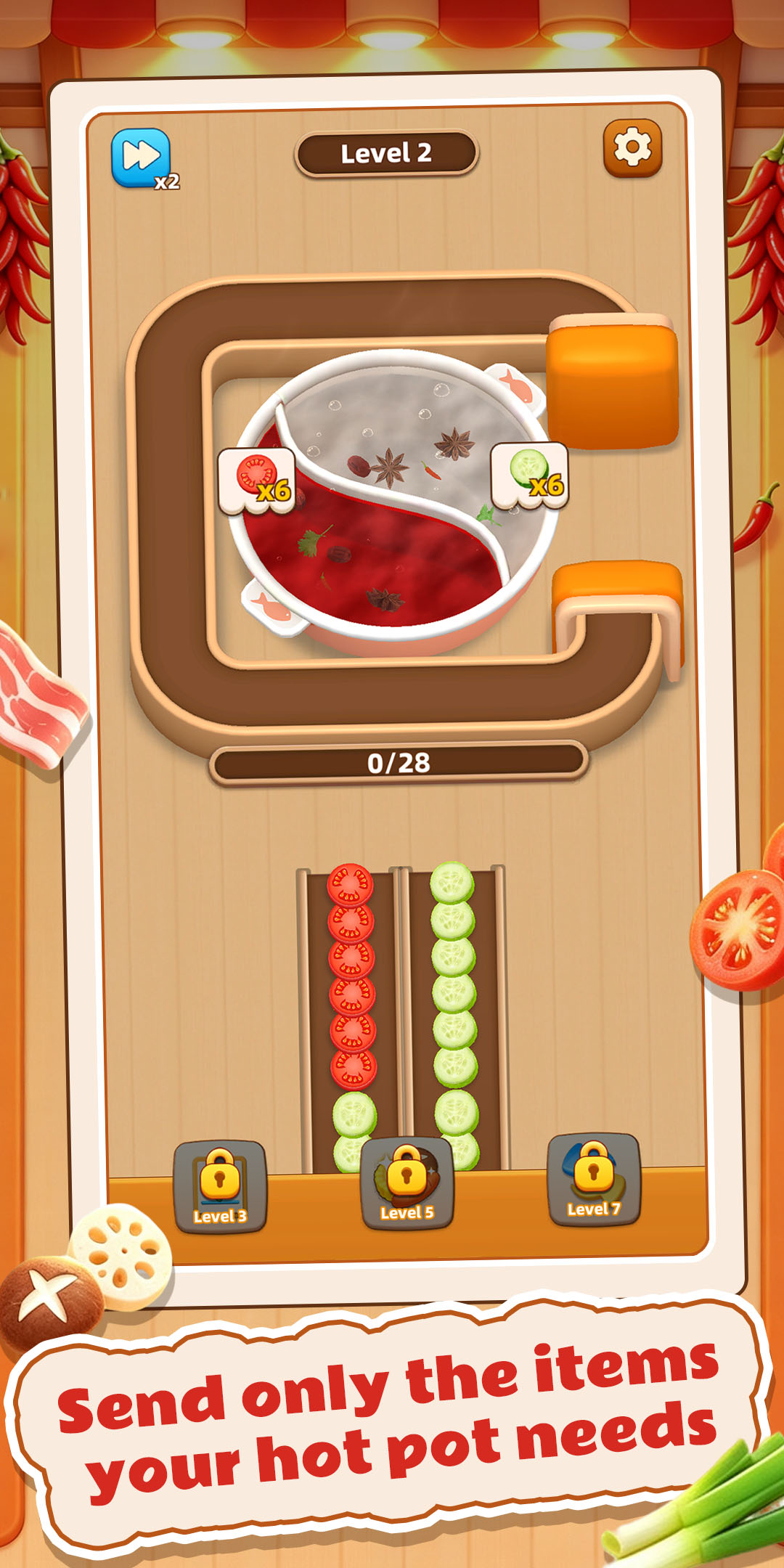
The level shows which ingredients the hotpot needs, so the player starts with a clear goal.
 RADICAL
Game Studio
RADICAL
Game Studio
A relaxing ingredient-matching puzzle game. Read each hotpot order, choose the right foods from moving lanes, and complete every pot step by step.
About Hotpot Order Puzzle
Hotpot Order Puzzle is the current showcase title from RADICAL Game Studio. The core loop is focused on order reading, ingredient recognition, lane timing, and clear level progress.
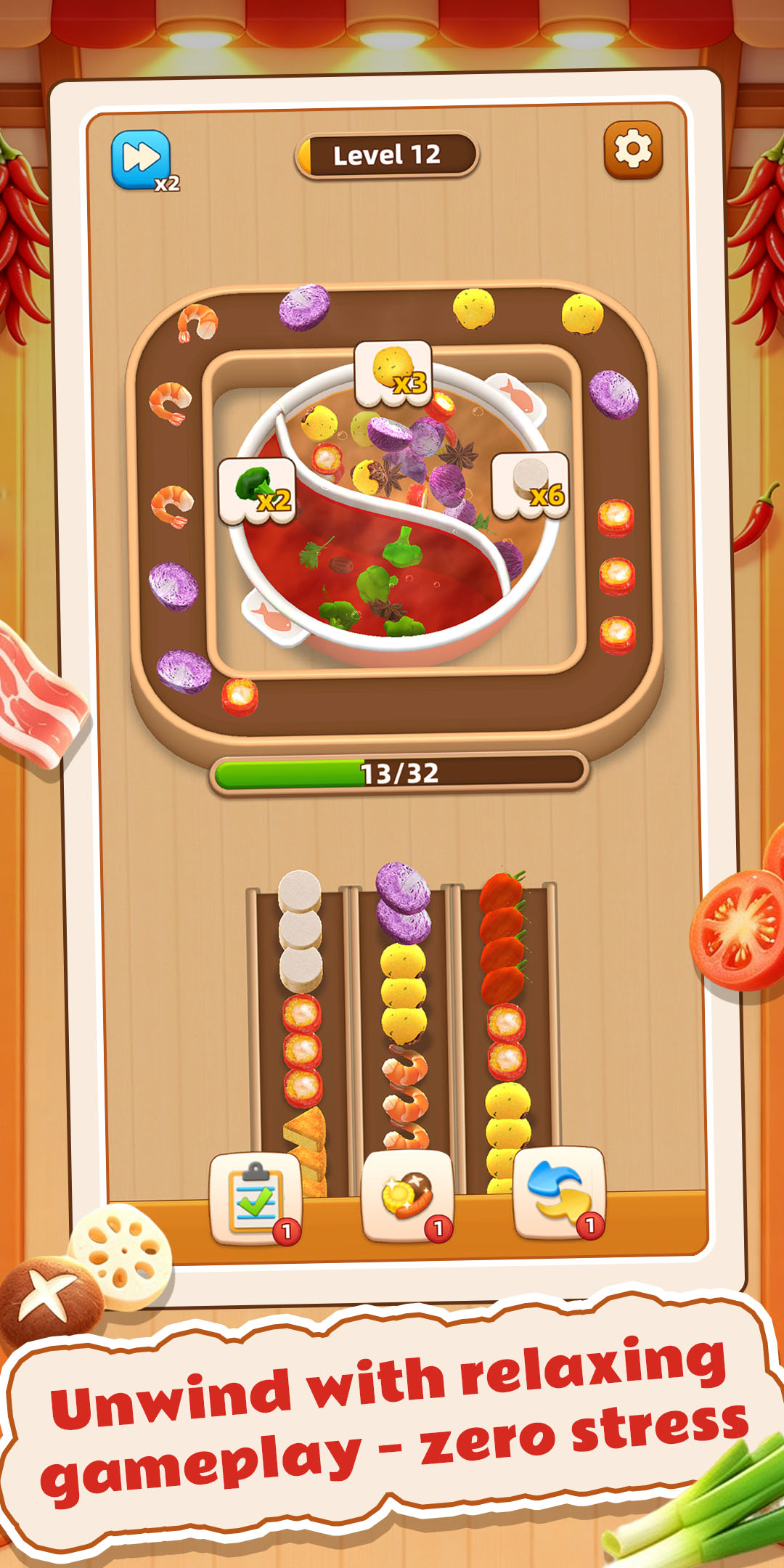
Each level displays the ingredients the pot needs. Food items move through the lanes below, and the player sends the correct ingredients into the pot to finish the order.
Screenshots
Game list
Only projects with real visuals, screenshots, and gameplay copy are listed as showcase games. Projects without usable assets are kept as planning notes instead of being presented as finished products.
Showcase title
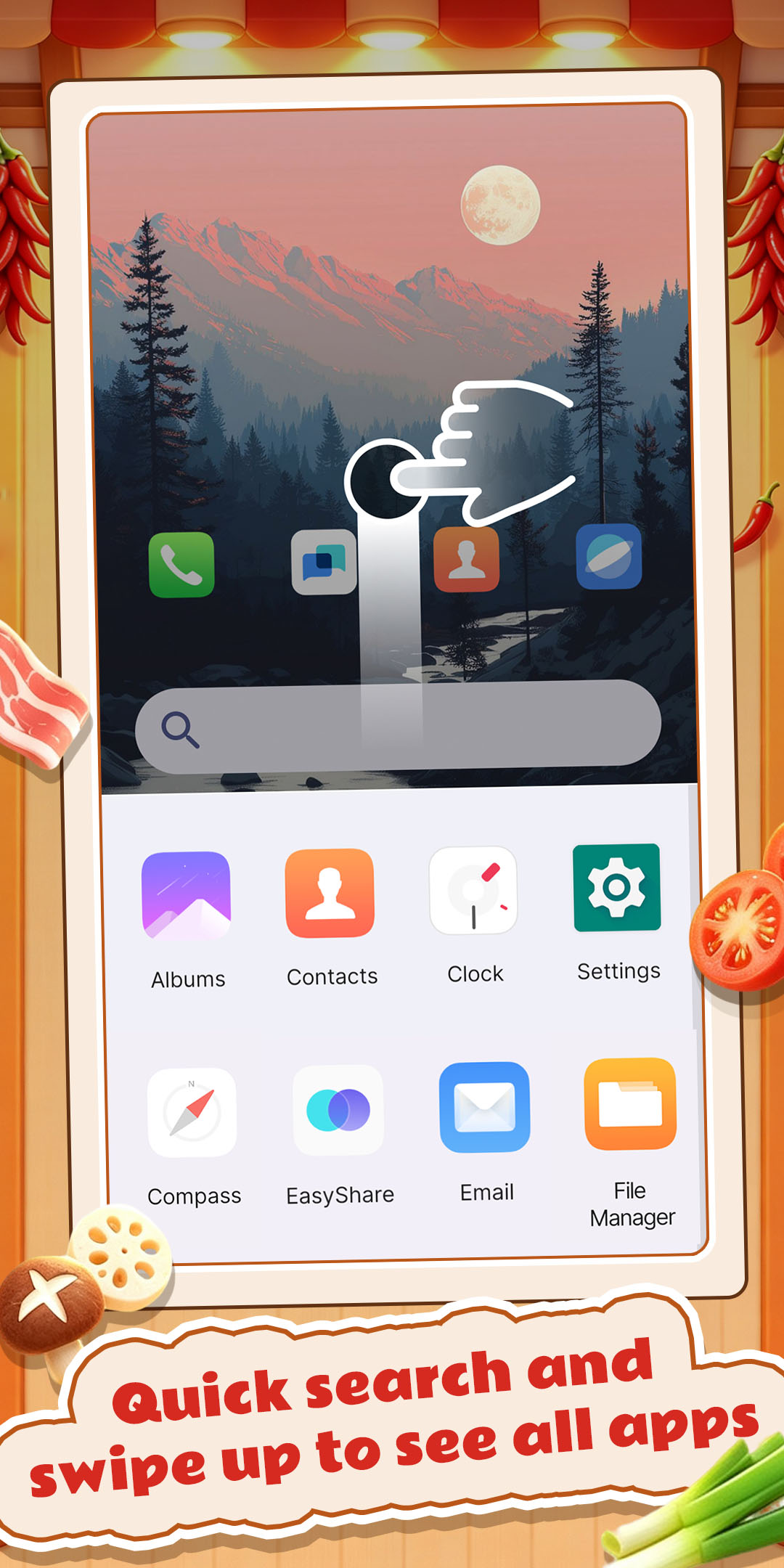
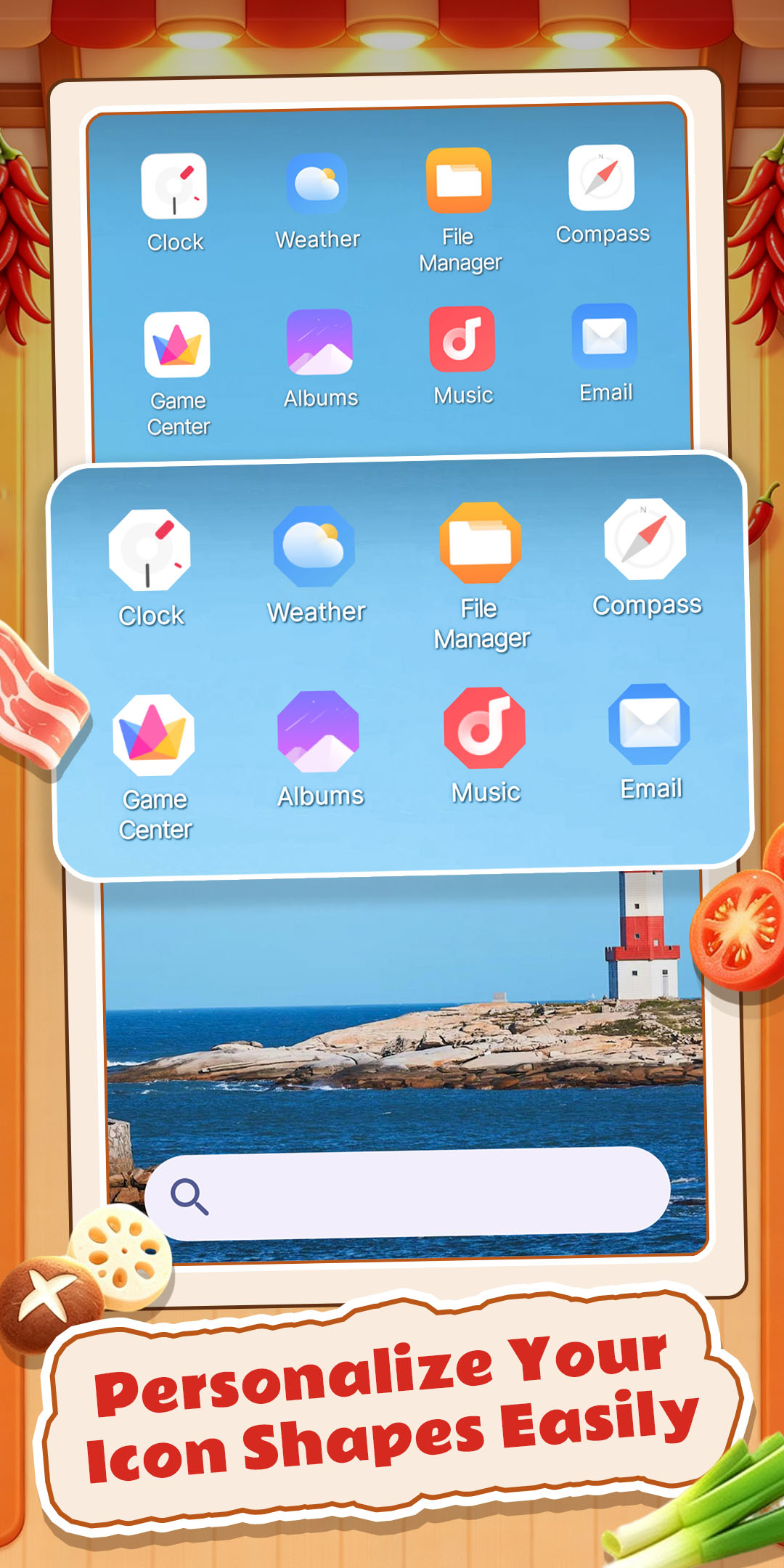
Hotpot Order Puzzle combines practical home screen functions with a simple built-in puzzle feature.
When set as your default launcher, the app helps you keep your phone layout more organized and easier to use. You can browse apps in one place, search more quickly, and maintain a cleaner-looking home screen for everyday use.


Showcase title
Place empty cans on the conveyor belt to collect the corresponding paint from the painting. Once a can is full, it will automatically move aside to make room for the next one; successfully collecting all the paint from the painting completes the level. However, if the conveyor belt is full and you can no longer collect paint, the game is over.
Gameplay loop
The level shows which ingredients the hotpot needs, so the player starts with a clear goal.
Ingredients move through the lanes, creating simple timing and recognition decisions.
Correct choices move the order forward and make progress easy to understand.
New ingredients, goals, and pacing changes keep the short-session loop fresh.
Capabilities
Validate whether the core action is readable, responsive, and worth repeating.
Shape ingredient combinations, goals, fail states, and difficulty curves.
Make orders, progress, buttons, rewards, and fail states easy to understand.
Focus on portrait layouts, touch input, loading speed, performance, and device stability.
Prepare icons, screenshots, feature art, short descriptions, and long descriptions.
Improve levels, pacing, and presentation based on goals and player feedback.
Process
Clarify what the player understands in the first few seconds and what feedback makes the action satisfying.
Combine mechanics, interface, art, and level rules into something that can be tested and refined.
Complete screenshots, icon, store copy, legal pages, contact routes, and the public website.
Developer profile
FAQ
Hotpot Order Puzzle is an Android app that combines home screen launcher tools with a light built-in puzzle feature. It can help you organize your phone interface while also offering a simple hotpot-themed activity for short breaks.
No. You can still open the app normally without changing your current home screen. If you want to use launcher-related functions such as the app drawer and app search, you need to set Hotpot Order Puzzle as your default home screen app.
Once enabled as the default home screen, the app provides its own launcher interface for your device. You can then access supported home screen tools, browse installed apps in the drawer, and use the built-in search function to find apps more easily.
Your installed apps can be found inside the app drawer provided by the launcher. This gives you one place to browse apps, and you can also use search if you want to locate something faster.
The app includes a light hotpot-themed puzzle mode. In this mode, you match the requested ingredients and complete simple food orders using easy tap controls. It is designed for casual play and short sessions rather than intense or complicated gameplay.
Yes. The puzzle feature is available even if you do not switch your phone to this launcher. The launcher tools only affect how your home screen is displayed and organized.
Open your phone settings and look for the section related to default apps, home app, or launcher settings. From there, choose your previous launcher again. The wording may be slightly different depending on your device brand and Android version.
Before uninstalling, make sure Hotpot Order Puzzle is no longer selected as your default home screen. After that, you can uninstall it from Google Play or by pressing and holding the app icon and choosing Uninstall.
This usually happens when the app is still active as the current launcher. Android may block removal of the launcher that is in use. Switch back to another home screen first, then try uninstalling again.
No. Hotpot Order Puzzle only affects the appearance and organization of your home screen when launcher features are enabled. It does not change personal files, photos, or the content of other installed apps.